Native Apple Screen Time API Architecture
Absolute privacy and zero battery drain. No remote proxy servers, no tracking, and no data collection.
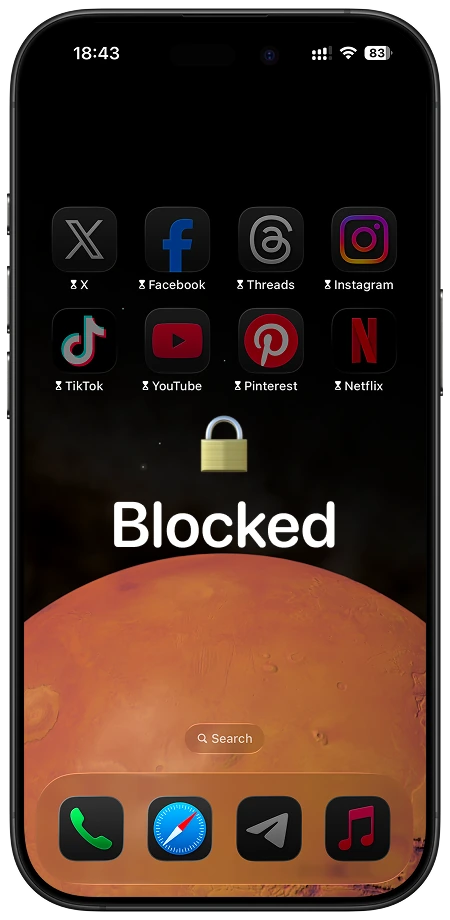
Architecture & Process
How 100% On-Device Privacy Works
Native Frameworks
Built strictly on Apple's FamilyControls and ManagedSettings frameworks in Swift and SwiftUI.
Cryptographic Tokens
Apple assigns encrypted, anonymous application tokens. FocusWell never sees the names of your apps.
Zero Network Interception
No VPN profile, no DNS proxy, zero external servers. Your phone's battery life is completely untouched.
Behavioral Psychology
Why It Works
Zero Battery Drain
Does not run continuous packet inspection, saving your iPhone battery all day.
Complete Offline Protection
Works even in Airplane Mode without needing an active internet connection.
Absolute Zero-Knowledge Privacy
Your browsing history, message contents, and app selections remain completely private.
The Difference
FocusWell vs. Traditional Blockers
| Dimension | FocusWell 100% On-Device Privacy | Traditional Blockers |
|---|---|---|
| Architecture | Native Apple Screen Time API (FamilyControls) | Third-party VPN / local loopback proxy |
| Battery Impact | Zero battery drain (iOS kernel enforced) | Heavy drain from packet inspection |
| Privacy Security | 100% on-device, zero-knowledge | Traffic routed through proxy servers |
Frequently Asked Questions
Quick answers about 100% On-Device Privacy
Explore More FocusWell Features
Ready to Experience 100% On-Device Privacy?
Download FocusWell on iOS today and start building permanent focus habits backed by neuroscience and zero willpower drain.
Free 3-Day Trial • 100% On-Device & Private • iOS Native