The Remote Work Distraction Guide: Fixing WFH Between-Meeting Scrolling
Why WFH turns 5-minute gaps between Zoom calls into 40 minutes of TikTok. Build workday Schedules, Slack Allow Lists, and Fast Focus sprints.
The Zoom call ends at 11:24 AM. Your next sync starts at 11:30 AM, or maybe you finally have an open hour until lunch.
You lean back in your desk chair, exhausted from 45 minutes of staring at tiny webcam boxes, and pick up your iPhone for a quick breather. "Just five minutes to reset," you tell yourself.
Suddenly it is 12:12 PM. You have watched seventeen cooking videos, skimmed a heated Reddit thread about housing prices, and read half a newsletter you do not care about. Now you feel behind, slightly guilty, and tempted to work until 7:30 PM just to catch up on the fauxductivity loop you fell into all morning.
If you work from home, this pattern is almost universal—and it has nothing to do with laziness.
Why Home Offices Turn 5-Minute Breaks Into 40-Minute Traps
Working remotely strips away the subtle social guardrails of a shared office while amplifying video-call fatigue. When a Zoom meeting ends in a quiet bedroom or home study, your depleted nervous system reaches for instant dopamine relief, turning brief transitions into 40-minute scrolling detours.
In an office, closing a conference room door creates natural physical friction. You walk down a hallway, nod to a colleague, refill your coffee, and sit back down in full view of teammates. Social visibility quietly regulates impulsive phone habits.
At a home desk, three forces collide simultaneously:
- Zero Social Friction: Nobody sees you drop onto the sofa or stay slumped over TikTok for 35 minutes after a stressful client call.
- Zoom Gaze Fatigue: Holding continuous eye contact with a grid of faces requires intense cognitive effort. Your brain finishes the call craving low-effort sensory numbness.
- Micro-Gap Illusion: Five or ten minutes between meetings feels too short to start real analytical work, so your thumb defaults to "harmless" feeds that are algorithmically engineered to hijack 40 minutes.
Once you blow past the transition window, restarting complex work becomes exponentially harder. You spend the afternoon frantically clearing emails instead of moving high-leverage projects forward. Worst of all, because your brain never genuinely rested during that "break," you still feel exhausted at 4:00 PM despite accomplishing half of what you planned.
Calculate Your WFH Drift: Wonder how much of your remote workday leaks into "five-minute" phone breaks? Measure your true weekly loss inside the FocusWell Screen Time Calculator.
Setting Up a 9-to-5 Workday Schedule Without Missing Slack
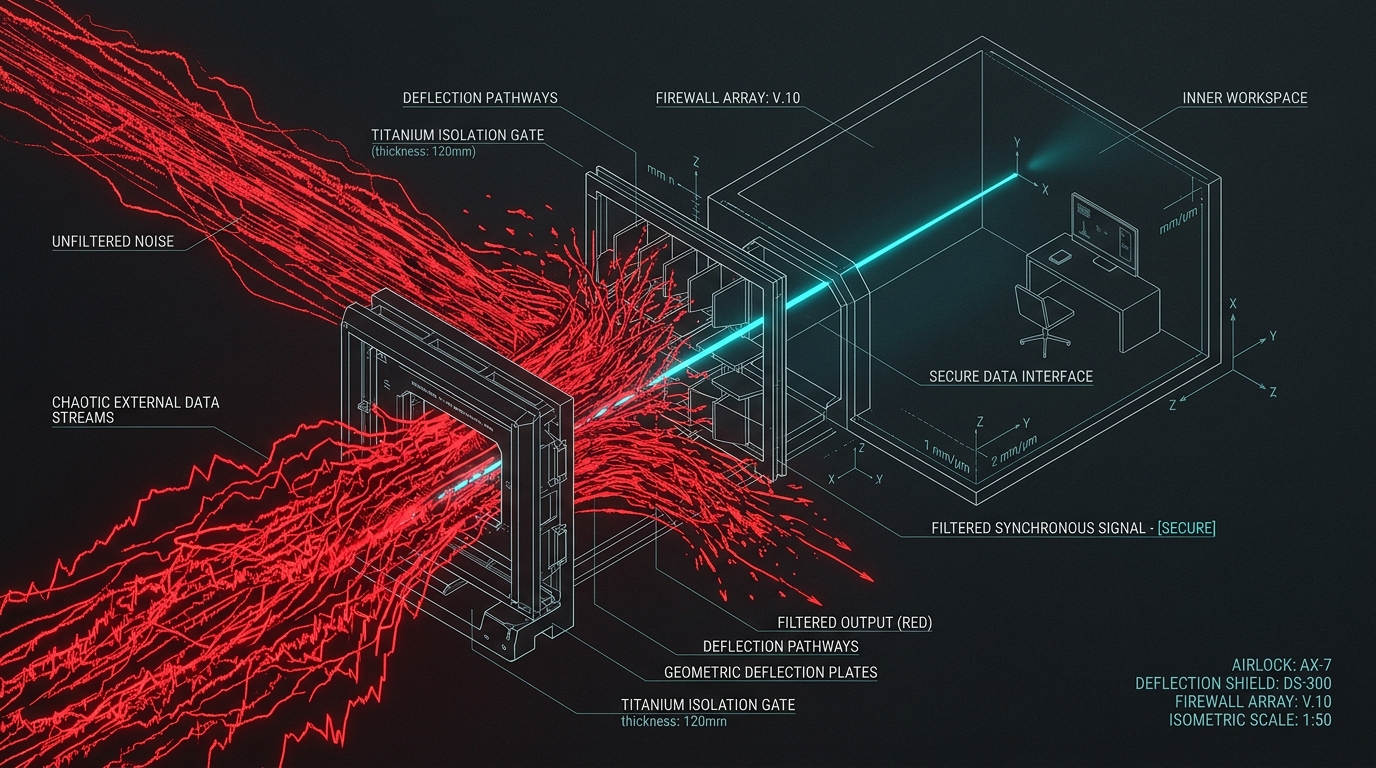
Many remote workers avoid app blockers because they fear missing an urgent Slack ping, calendar alert, or two-factor login prompt. FocusWell Schedules paired with an Allow List solve this dilemma cleanly, blocking recreational feeds from 9 AM to 5 PM while keeping essential work apps open.
The key mistake remote workers make is treating all smartphone use as equal. During business hours, you genuinely need communication, scheduling, and security tools—but you never accidentally need Instagram Reels, YouTube shorts, or sports betting apps at 2:15 PM.
Here is how to configure an automated weekday architecture using FocusWell Schedules:
- Schedule Window: Monday through Friday, 9:00 AM to 5:00 PM (adjust to your timezone and core hours).
- Enforcement Mode: Allow List ("Work Essentials").
- Apps Kept Accessible: Slack, Microsoft Teams, Google Calendar, Outlook, Zoom, Authenticator/1Password, Notes, Maps, and Phone.
- Everything Else Shielded: Social media, short-form video, news portals, Reddit, shopping, and mobile games stay shielded on-device via Apple's native Screen Time API.
Because FocusWell relies on Apple's FamilyControls and ManagedSettings frameworks rather than clunky VPN tunnels, your corporate VPNs, video calls, and secure authentication tokens run without conflict or extra battery drain.
Environmental and Digital Triggers for Your Home Desk
Breaking WFH phone habits requires separating physical "break space" from digital stimulation. By pairing physical desk cues—like parking your phone across the room during calls—with FocusWell's Friction Gates and Fast Focus sprints, you keep your home office anchored to calm execution.
Technology works best when paired with simple spatial design. Upgrade your remote workspace with three complementary habits:
1. Create a "Call Charging Dock" Out of Arm's Reach
During Zoom and Teams meetings, place your iPhone on a stand or charger six feet behind your chair—far enough that you cannot pick it up absentmindedly while someone shares slides. If you need 2FA once in the morning, unlock, authenticate, and walk it back to the dock.
2. Deploy Fast Focus When Open Calendar Blocks Appear
Schedule blocks guard your baseline 9-to-5 perimeter against TikTok and Reddit. When a rare 90-minute deep-work gap opens between meetings, launch a Strict Fast Focus block using a tightened Deep Work Allow List that temporarily shields even Slack and email, letting your team know via status that you are heads-down until the hour ends.
3. Build an Analog 5-Minute Transition Ritual
When a call ends at 11:25 AM, your brain still needs decompression—just not algorithmic decompression. Keep a short analog menu beside your keyboard: walk onto the balcony or look out a window for two minutes, fill a glass of water, perform ten slow shoulder rolls, or write the top next action on a paper index card.
4. Protect Lunch and Coffee Breaks From Desk Drift
Remote workers routinely skip real lunch breaks and instead eat lukewarm leftovers at their keyboard while scrolling X or Reddit. Make lunch a clean 30-minute physical departure from your home office. Leave your phone charging on your desk or enable a quick Flexible Fast Focus block over midday so you return to your afternoon meetings genuinely refreshed rather than overstimulated.
| WFH Moment | Default Trap | FocusWell + Desk Architecture | Result |
|---|---|---|---|
| 9:00 AM Start | Checking news/social in chair for 30 min | Automated 9–5 Schedule activates Allow List | Clean start with zero morning feed drift |
| 5-Min Gap Between Zooms | Grabbing iPhone, losing 40 min to Reels | Phone docked out of reach + Breathe With Us gate | Real ocular rest; sharp entry to next call |
| 90-Min Open Calendar Block | Half-working while refreshing Reddit/Slack | Strict Fast Focus (90 min) on Deep Work list | Deep project shipped before afternoon slump |
| 5:00 PM Work Shutdown | Grazing feeds at desk until 6:30 PM | Schedule lifts + Open Limits cap evening feeds | True psychological clock-out at 5 PM |
Ending the Workday Cleanly Without Evening Drift
Remote workers struggle with a subtle paradox: wasting fragmented hours midday forces them to stay glued to laptops late into the evening, blurring work and personal life completely. Eliminating between-meeting scrolling compresses your real workload back into healthy hours so you can actually close your laptop at 5:00 PM.
When your weekday Schedule restores 90 to 120 minutes of clean daytime focus—an outcome aligned with FocusWell's average benchmark of 2+ hours reclaimed daily—your afternoon anxiety evaporates. You stop compensating for morning drift with guilty overtime.
At 5:00 PM, your Workday Schedule ends cleanly. Pair your evening with reasonable Open Limits (such as 4–5 intentional launches for personal social apps) and review your Weekly Truth Report every Sunday night to see how many hours of focused life you won back from the between-meeting void.
Build a Physical "End-of-Day" Shutdown Trigger
Remote work stays exhausting when your desk never visually closes. At 5:05 PM, close your laptop lid, mute work Slack channels on desktop until 9:00 AM, and step outside for a 15-minute walk without headphones. That clear physical boundary lets your nervous system switch cleanly out of reactive work mode so you actually enjoy your evening—and arrive fresh the next morning without craving midday phone escapes.
---
Take back your remote workday from five-minute scroll traps. Download FocusWell on the App Store and set up your 9-to-5 Schedule and Work Essentials Allow List in two minutes.
Ready to break the compulsive scroll cycle?
End the remote workday fog. Download FocusWell and lock in a clean 9-to-5 Schedule.
Free 3-Day Trial•100% On-Device & Private•Native Apple Screen Time

Founder & Maker of FocusWell
Founder of FocusWell. Building practical digital boundaries and native iOS focus tools for autonomous remote workers.