How to Stop the YouTube Shorts Rabbit Hole on iPhone
Opened YouTube for a recipe and lost 45 minutes to Shorts? Learn the Watch History trick, Safari filter setup, and FocusWell Open Limits for iPhone.

It starts innocently every single time.
You are standing in the kitchen trying to remember how to sear salmon properly, or sitting at your desk needing a three-minute Excel formula walkthrough. You open YouTube on your iPhone with a clear, practical goal.
Forty-five minutes later, your pan is cold, your spreadsheet is still blank, and you are watching a stranger restore a rusty 1970s lawnmower in 35-second vertical clips.
YouTube is the sneakiest attention trap on iOS because it disguises itself as a utility library—a digital encyclopedia for cooking, coding, DIY repairs, and lectures—while embedding a slot-machine Shorts feed two millimeters away from your search bar. Here is why the trap works so well, and the practical iPhone fixes that shut it down without forcing you to abandon genuinely helpful videos.
Why Useful Searches Turn Into 45-Minute Shorts Binges
YouTube Shorts hijacks utility-driven visits by blending search intent with variable-ratio dopamine triggers. Vertical thumbnails sit directly inside search results and the Home tab, exploiting micro-moments of cognitive fatigue the instant you finish a query so algorithmic autoplay replaces your original goal.
Unlike TikTok—which you usually open already knowing you are entering an entertainment feed—YouTube enters your day under false pretenses. Psychologically, two things collide:
- Goal Completion Drop-Off: The moment you finish watching a 4-minute recipe or repair clip, your working memory releases its original task. In that brief three-second vacuum before you lock your phone, your eye lands on a bright vertical Short labeled "Wait till the end."
- Zero-Friction Variable Rewards: Long-form YouTube videos require a conscious decision: Do I want to invest 14 minutes in this? Shorts require zero commitment. Your thumb swipes up once, and the algorithm calibrates within seconds to whatever keeps your pupils dilated—slowly flattening your dopamine baseline until normal tutorials feel unbearably slow.
Fix 1: The Watch History Trick That Kills the Home Shorts Shelf
Pausing and clearing your YouTube Watch History disables YouTube's algorithmic Home feed and removes the Shorts shelf inside the official iOS app. While the bottom Shorts tab remains visible, opening YouTube presents a clean blank canvas instead of personalized bait.
If you want to keep using the official YouTube iPhone app while stripping out 80% of the temptation, this built-in Google setting is the fastest native fix:
- Open YouTube on your iPhone and tap You (bottom right).
- Tap the Settings gear icon (top right), then select Manage all history.
- Tap Saving your YouTube History and select Turn off (pause Watch History).
- Next, tap Delete and choose Delete all time to clear your existing algorithmic profile.
- Force-close and reopen the YouTube app.
When you relaunch YouTube, your Home screen will say "Your watch history is off"—and the infinite algorithmic stream and Home Shorts shelf disappear completely. You can still search for any recipe, lecture, or tutorial, or tap Subscriptions to watch creators you intentionally follow.
Fix 2: Switch to Safari + Content Filters (Zero Shorts UI)
Replacing the native YouTube app with Safari and an iOS content blocker removes the Shorts tab, homepage Shorts shelves, and search Shorts carousels at the CSS level. Because Apple lets Safari extensions filter webpage elements, mobile web YouTube becomes a pure search-and-play utility.
Remember: Apple's Screen Time API isolates third-party apps inside their own sandbox, so no App Store blocker can hide the bottom Shorts button inside Google's native YouTube app. Safari is the exception:
- Delete the YouTube App from your iPhone.
- Open
youtube.comin Safari and sign in (or stay signed out for pure search). - Install a reputable Safari Content Blocker extension designed to hide Shorts elements on
youtube.com(many open-source Safari extensions support custom CSS/cosmetic hiding rules forytm-reel-shelf-rendererand the Shorts pivot bar). - Bookmark
youtube.com/feed/subscriptionsdirectly to your Home Screen.
The result feels refreshingly boring—in the best possible way. You search for the tutorial, watch the tutorial, and close the tab.
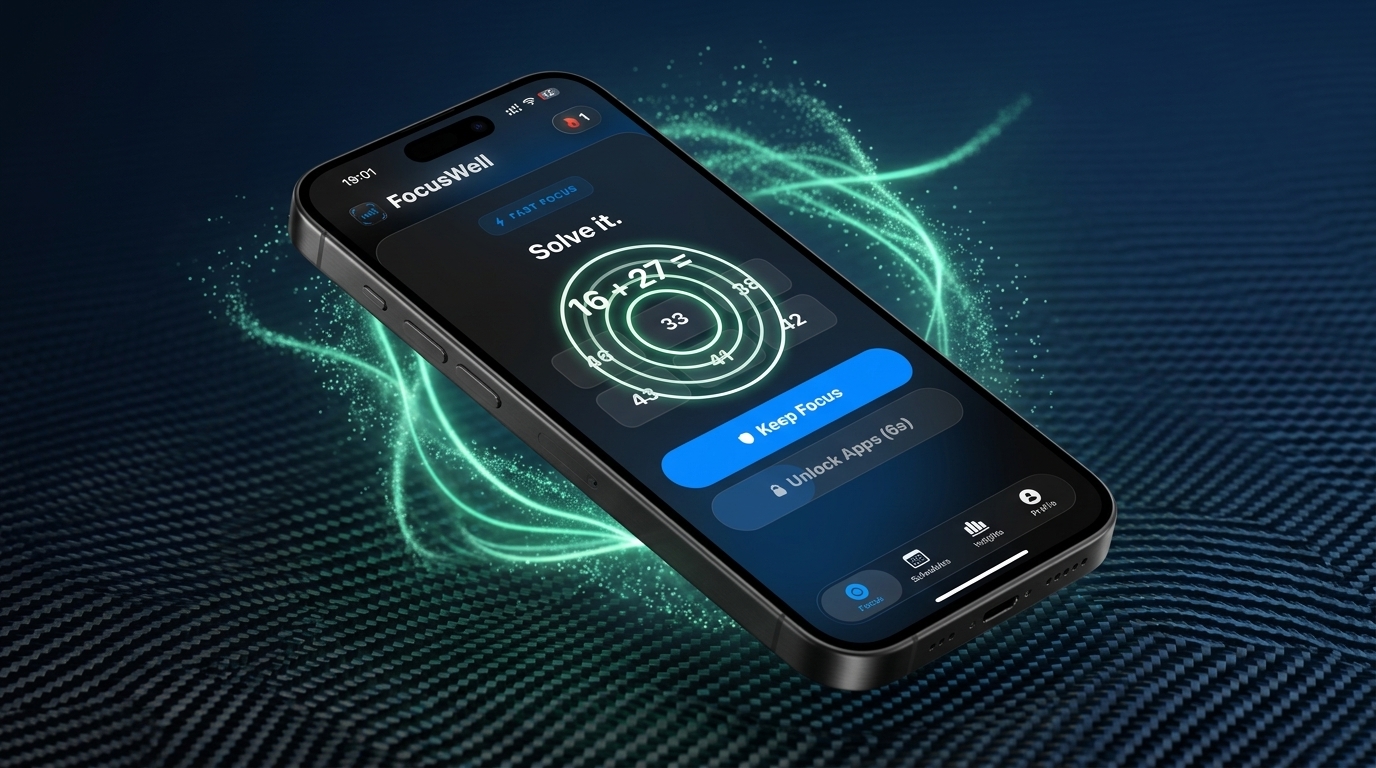
Fix 3: Guard YouTube With FocusWell Intent Check & Open Limits
Even with Safari filters or paused history, the urge to open YouTube out of boredom remains strong. Placing FocusWell's Intent Check Friction Gate and strict Open Limits in front of YouTube breaks unconscious launches while preserving timed access for legitimate tutorials.
Sometimes you genuinely need the native app—for offline downloads on a flight, AirPlay to a TV, or crisp HDR playback. In that case, pair YouTube with two behavioral guardrails in FocusWell:
- Turn On the Intent Check Friction Gate: Inside Friction Gates, assign Intent Check to YouTube. Every time you tap the icon, FocusWell interrupts your autopilot with reflective prompts ("What video did you come here to watch?"). Naming your exact goal aloud or mentally before entering creates a psychological contract—the moment that video ends, your brain immediately flags any swipe toward Shorts as off-mission.
- Set Open Limits + Timed Windows: Instead of giving yourself an hour of daily YouTube, configure Open Limits for 2 or 3 opens per day at 10–15 minutes each. During the unlock, FocusWell displays a live countdown in your Dynamic Island and Lock Screen Live Activity so you stay anchored to the clock while cooking or studying.
- Lock Down Bedtime With Schedules: Shorts binges spike late at night when prefrontal discipline is depleted. Use Schedules to block YouTube completely after 9:30 PM so "just one documentary" never turns into 1:00 AM vertical scrolling.
Calculate Your Reclaimed Evenings: Losing 40 minutes a night to YouTube Shorts adds up to over 240 hours a year—six full workweeks. Check your real number in the FocusWell Screen Time Calculator.
Which YouTube Shorts Fix Fits Your Routine?
Each workaround removes a different layer of Shorts friction depending on how heavily you rely on YouTube. Use this comparison table to choose between zero-app Safari filtering, native history resets, or FocusWell's behavioral guardrails—or combine all three for maximum protection.
| Strategy | Kills Home Shorts Shelf? | Hides Bottom Shorts Tab? | Keeps Offline / AirPlay? | Best For |
|---|---|---|---|---|
| Pause & Clear Watch History | Yes | No | Yes | Quick 60-second native app cleanup |
| Safari + Content Filter | Yes | Yes | Limited (Web only) | Pure tutorials & zero-temptation search |
| FocusWell Intent Check + Open Limits | N/A (Guards entry) | N/A (Guards duration) | Yes | Keeping native app without losing hours |
| FocusWell Evening Schedules | 100% shielded | 100% shielded | During daytime only | Stopping late-night rabbit holes |
Watch What You Came For—And Leave
YouTube is one of the greatest educational tools ever built, which is precisely why letting Shorts ruin it feels so frustrating. You should never have to delete the world's largest library of tutorials just to keep your focus and time intact.
As we explain in our guide on the neuroscience of the 8-second pause, breaking a short-form loop only takes a few seconds of conscious interruption before the swipe reflex takes over. Clear your Watch History, try the Safari shortcut if you only need search, and let FocusWell guard the door with Intent Check and Open Limits whenever you keep the native app installed.
Download FocusWell on the App Store today, start your free trial, and turn YouTube back into a tool you use—rather than a feed that uses you.
Ready to break the compulsive scroll cycle?
Watch tutorials without falling into Shorts. Try FocusWell Open Limits and Intent Check free.
Free 3-Day Trial•100% On-Device & Private•Native Apple Screen Time

Founder & Maker of FocusWell
Founder of FocusWell. Designing intentional friction tools for high-utility apps hijacked by short-form feeds.